
Kenro Dealership Custom
Built around your showroom. Configured without limits
Your stages, your roles, your approvals, your paperwork, your branches and your own branded app. If your floor does it, Custom is set up to do it.
See it
The app your floor works from.
A Custom build's own Android app, with demo data.
-
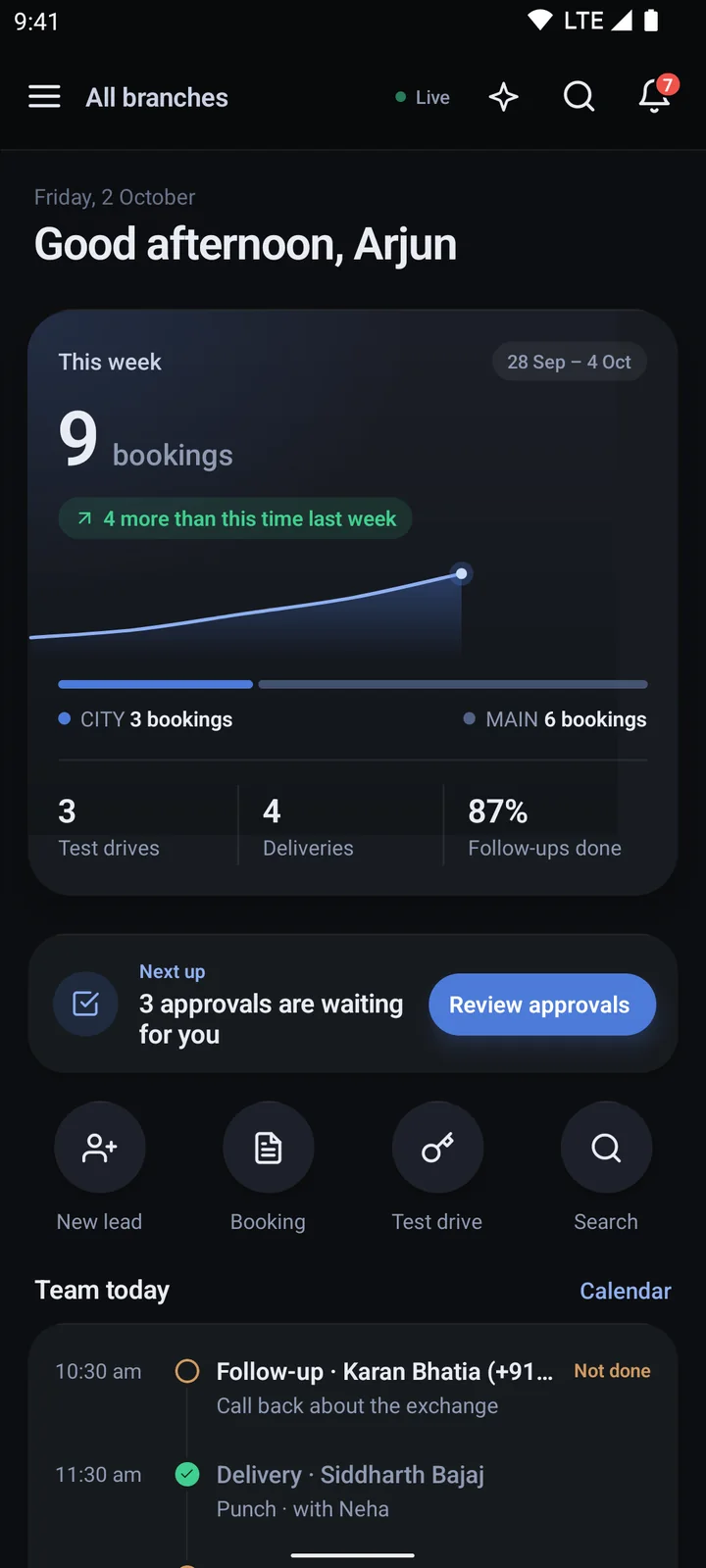
The owner's Home
-
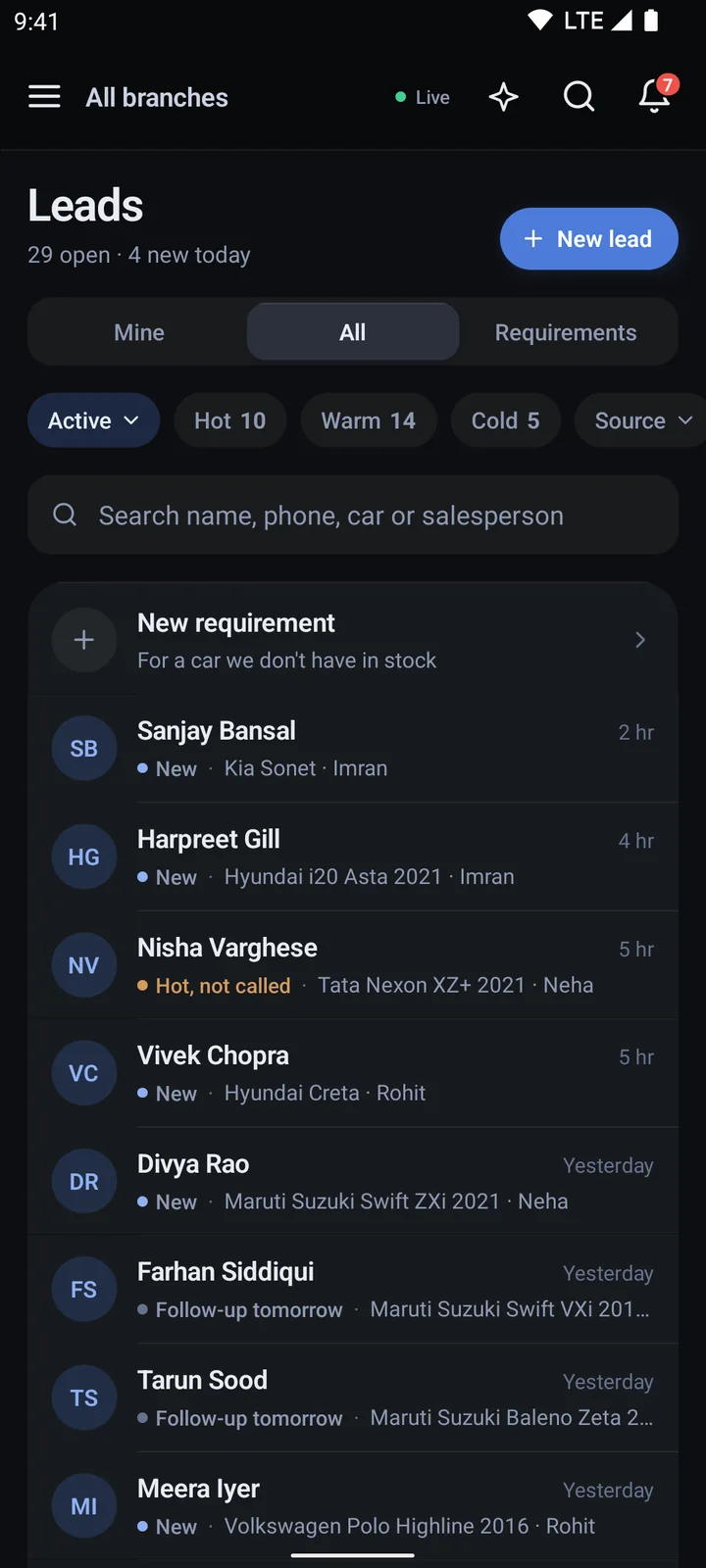
Every lead in one list
-
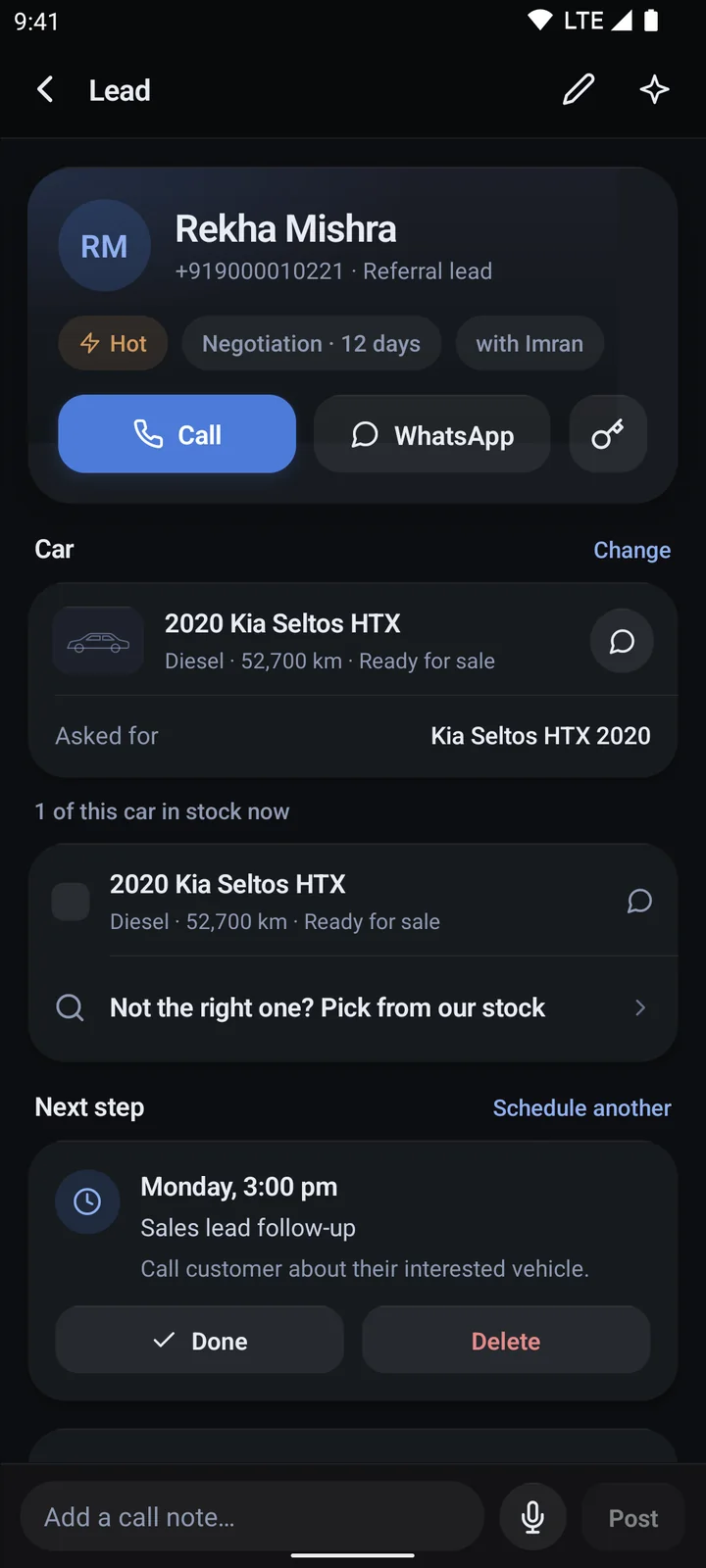
One lead, one page
-
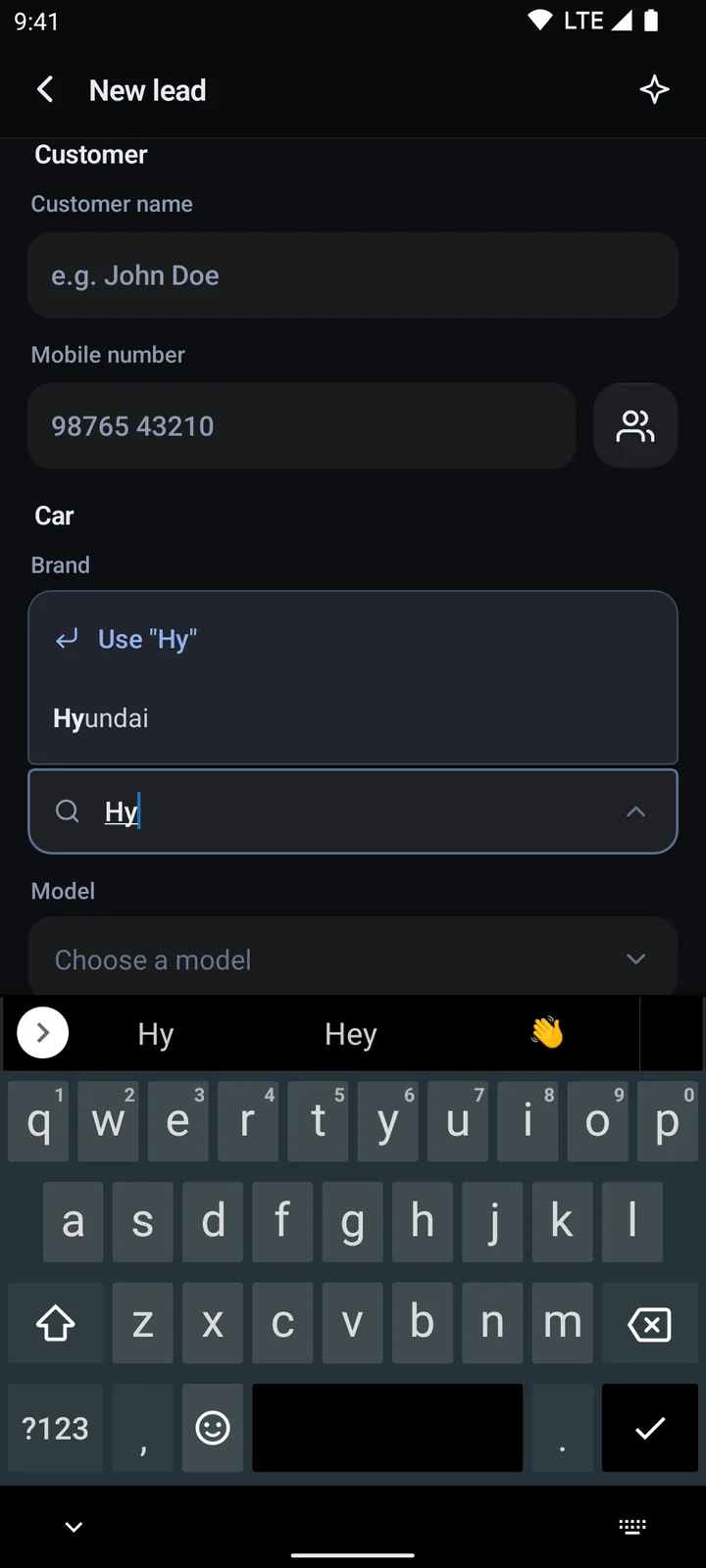
Adding a new lead
-
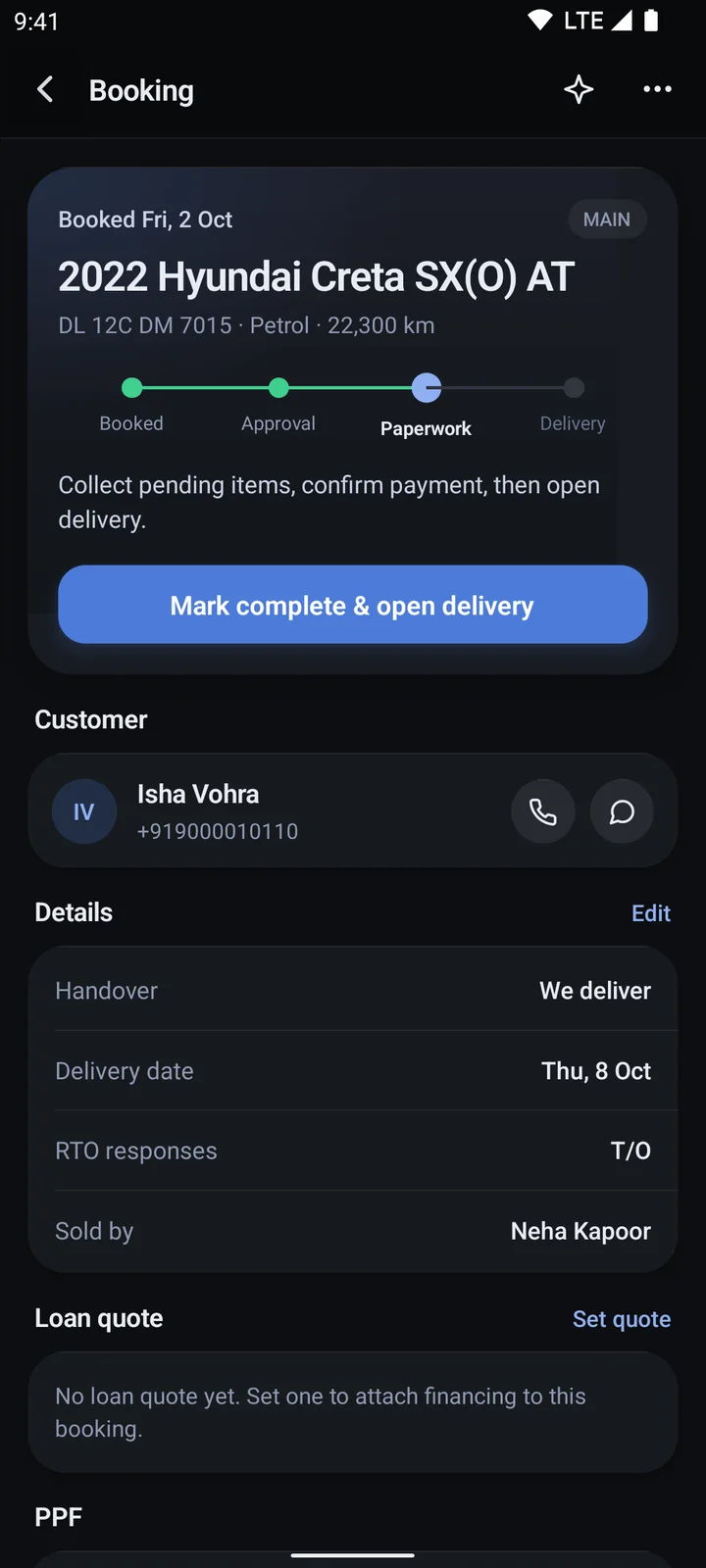
A booking, step by step
-
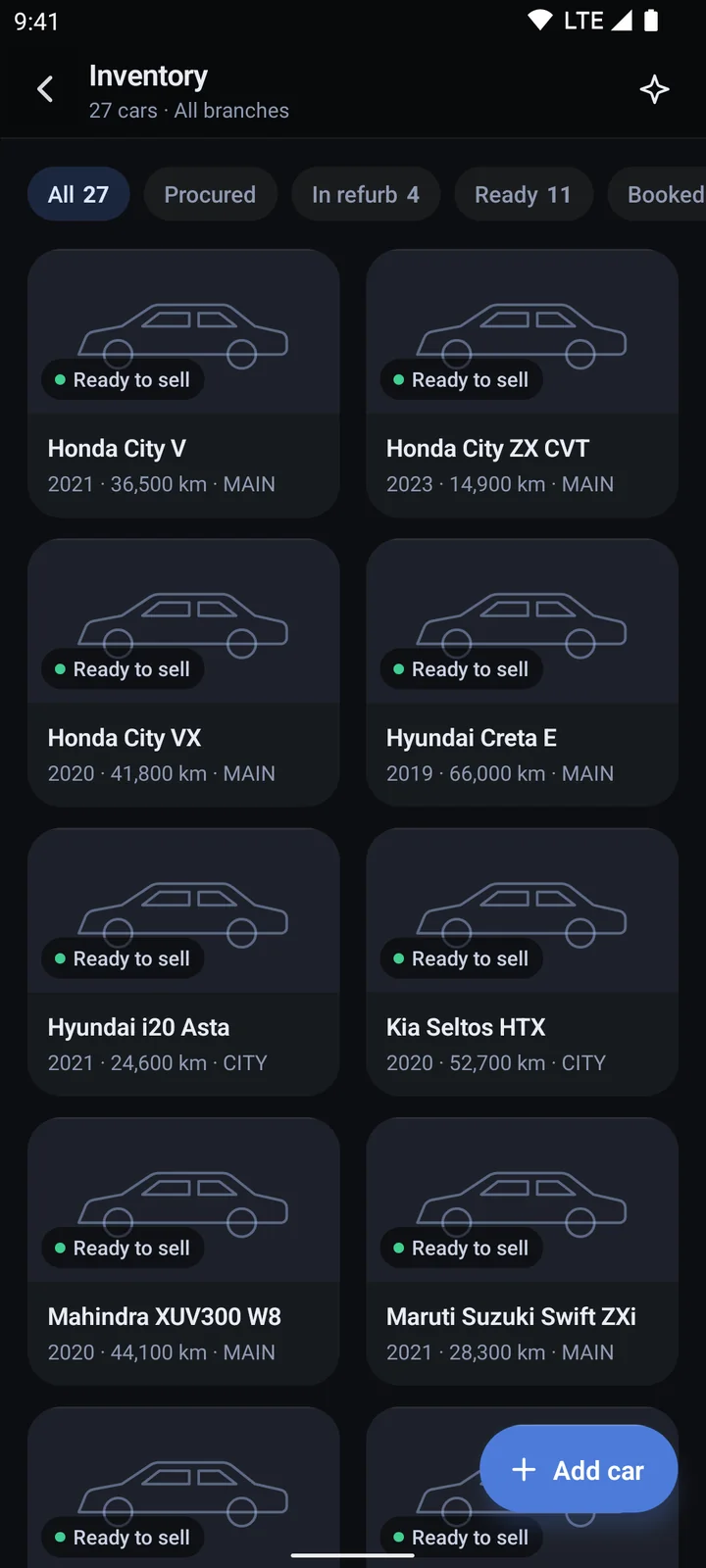
The stock list
-
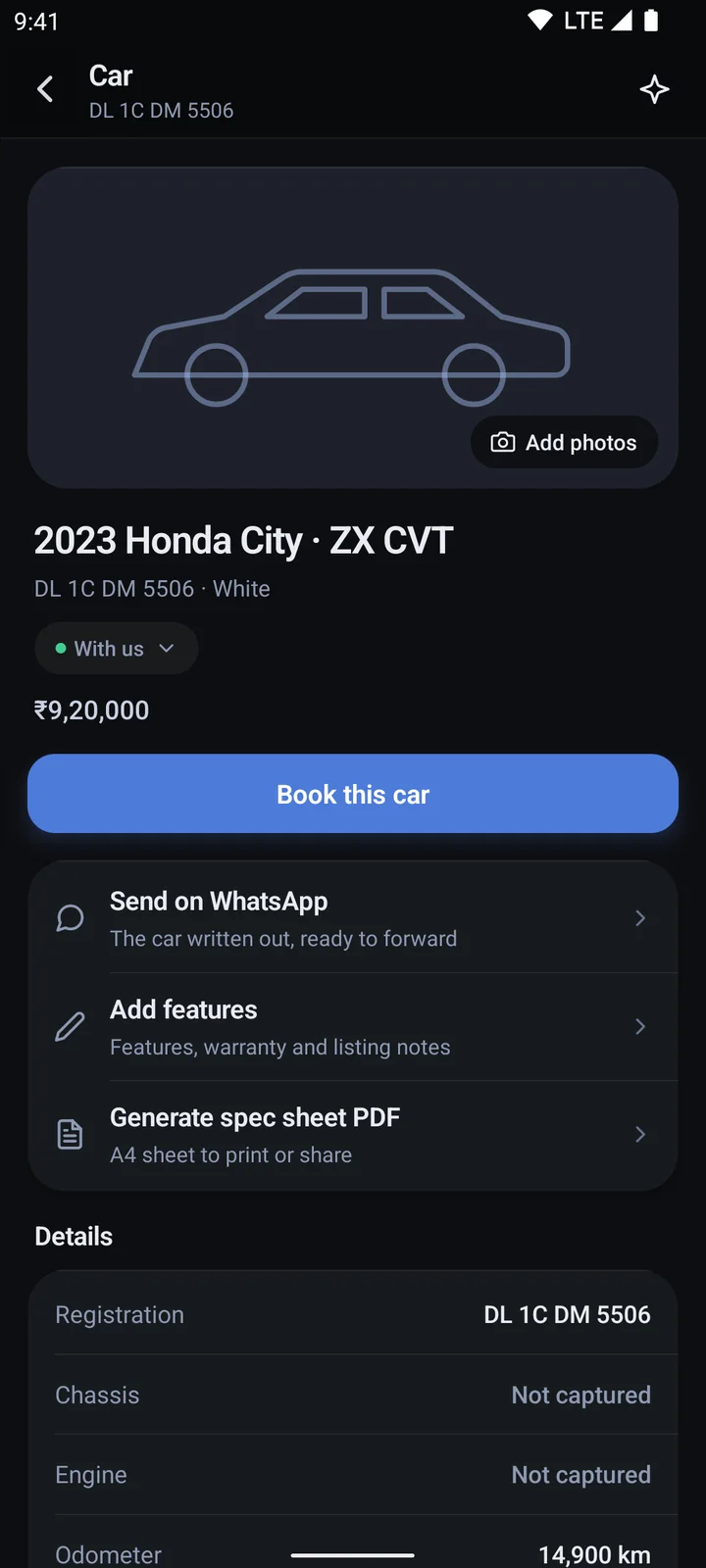
One car's page
-
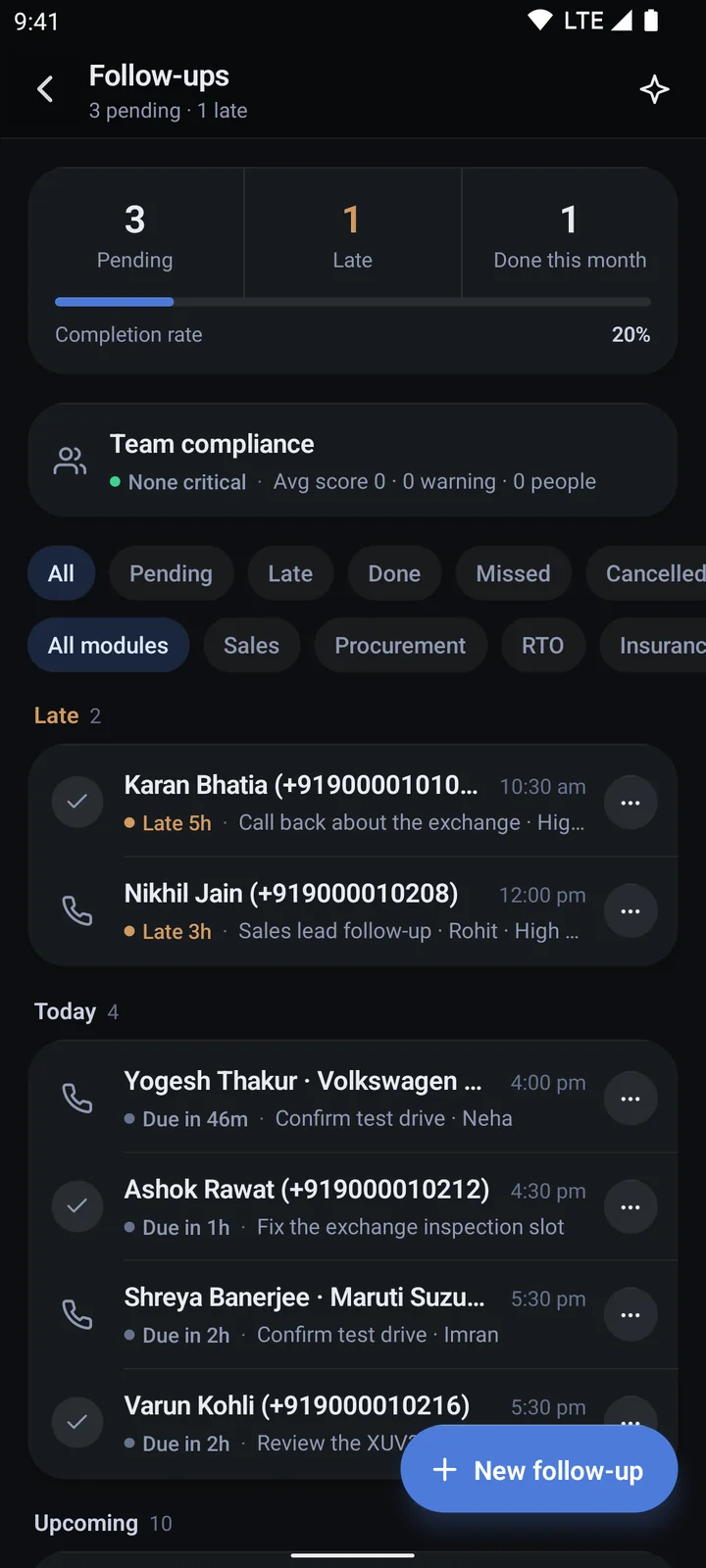
Follow-ups, due and late
-
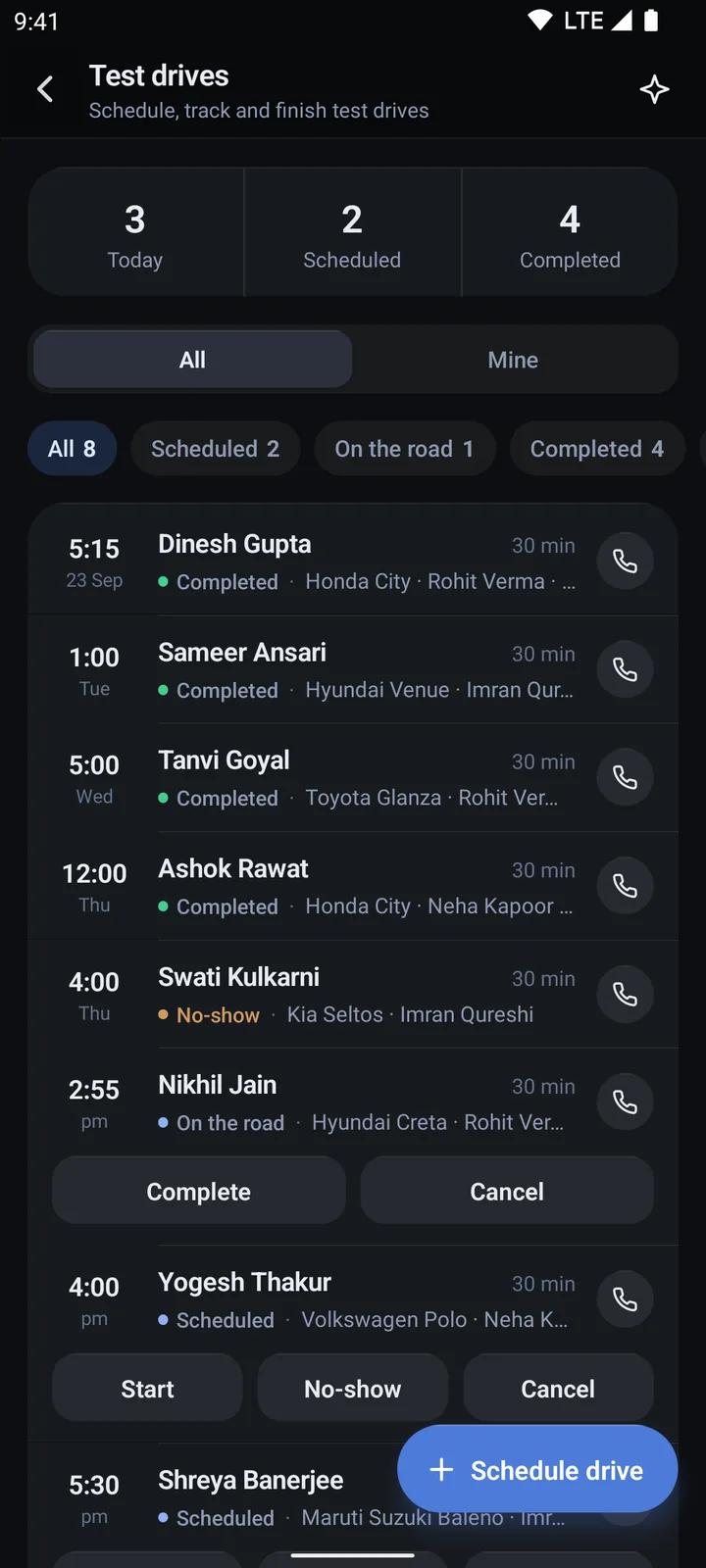
Test drives, start to finish
-
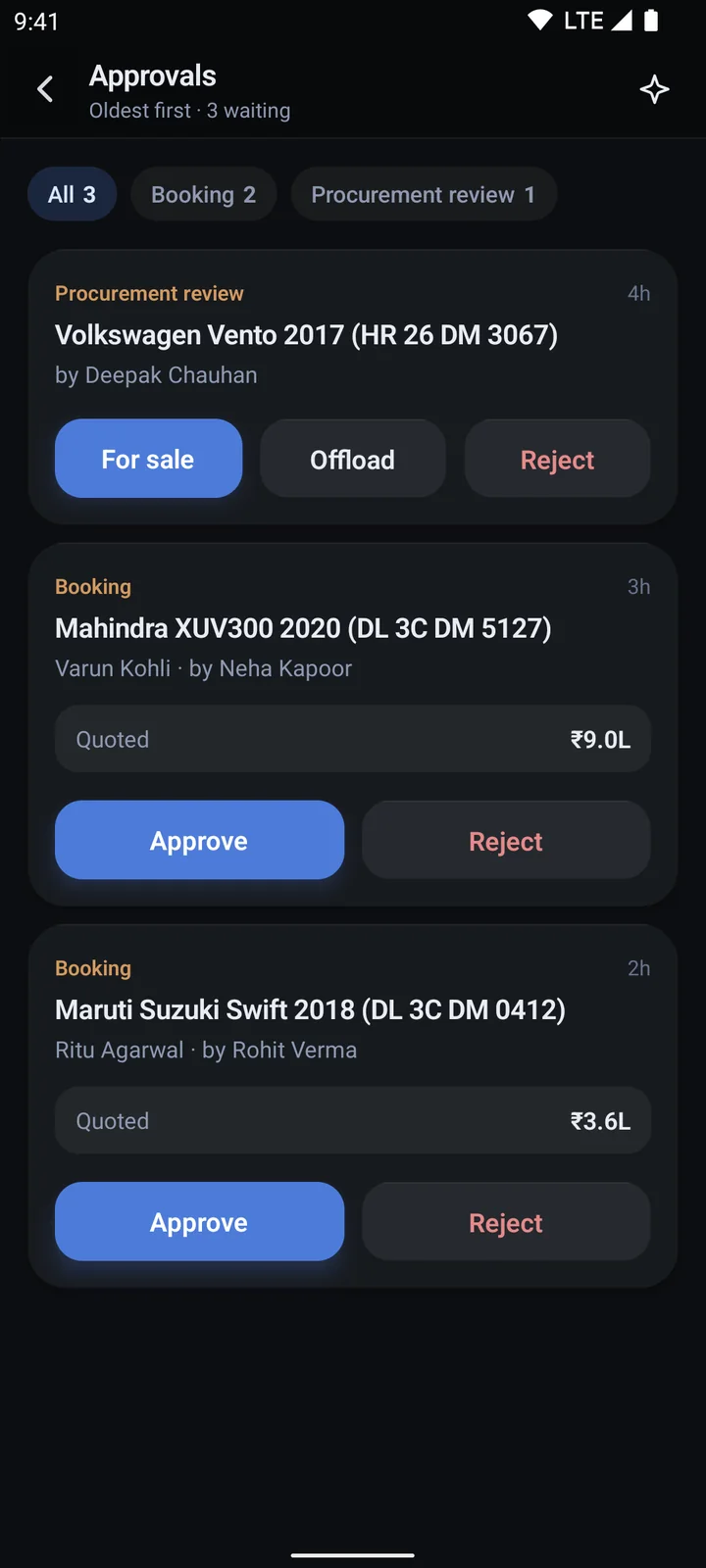
Approvals for the owner
-
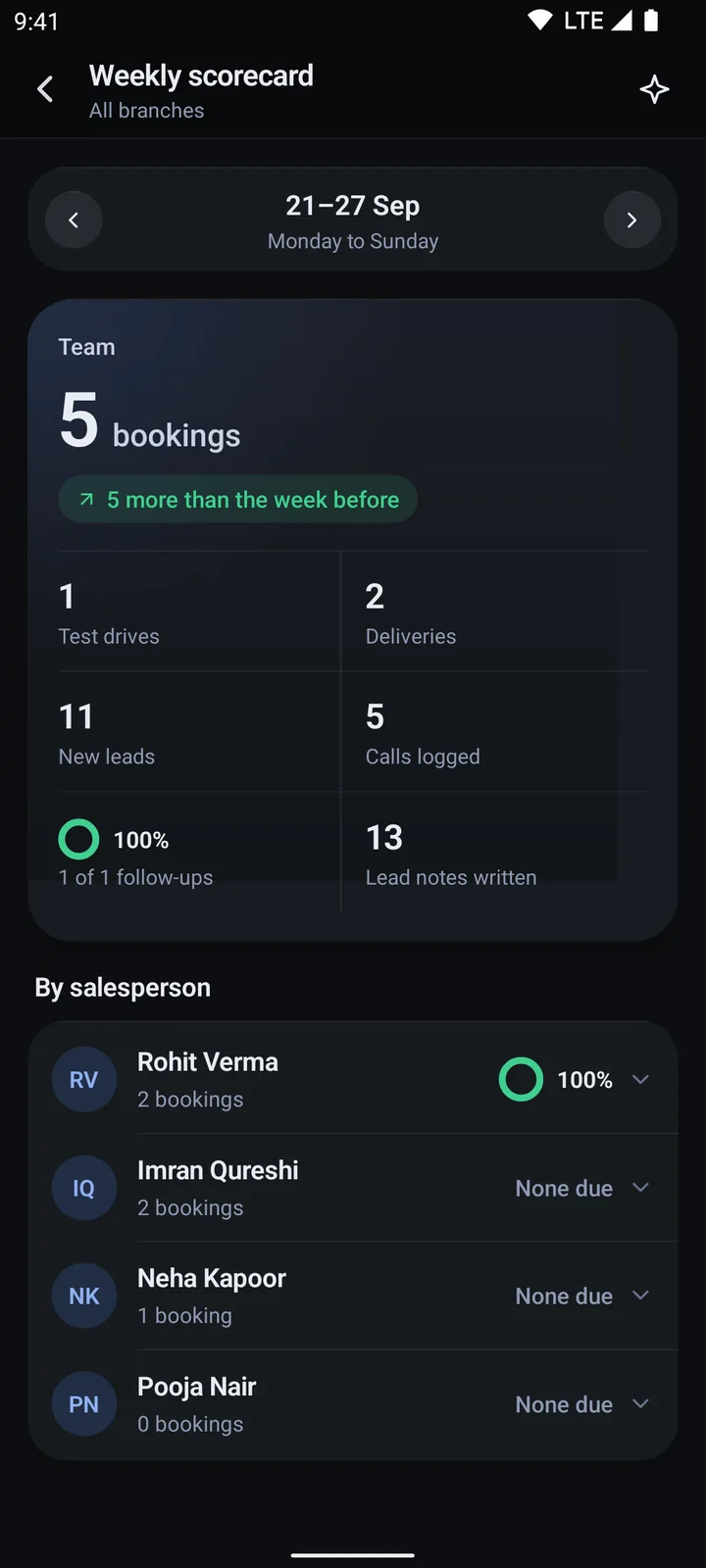
The weekly scorecard
-
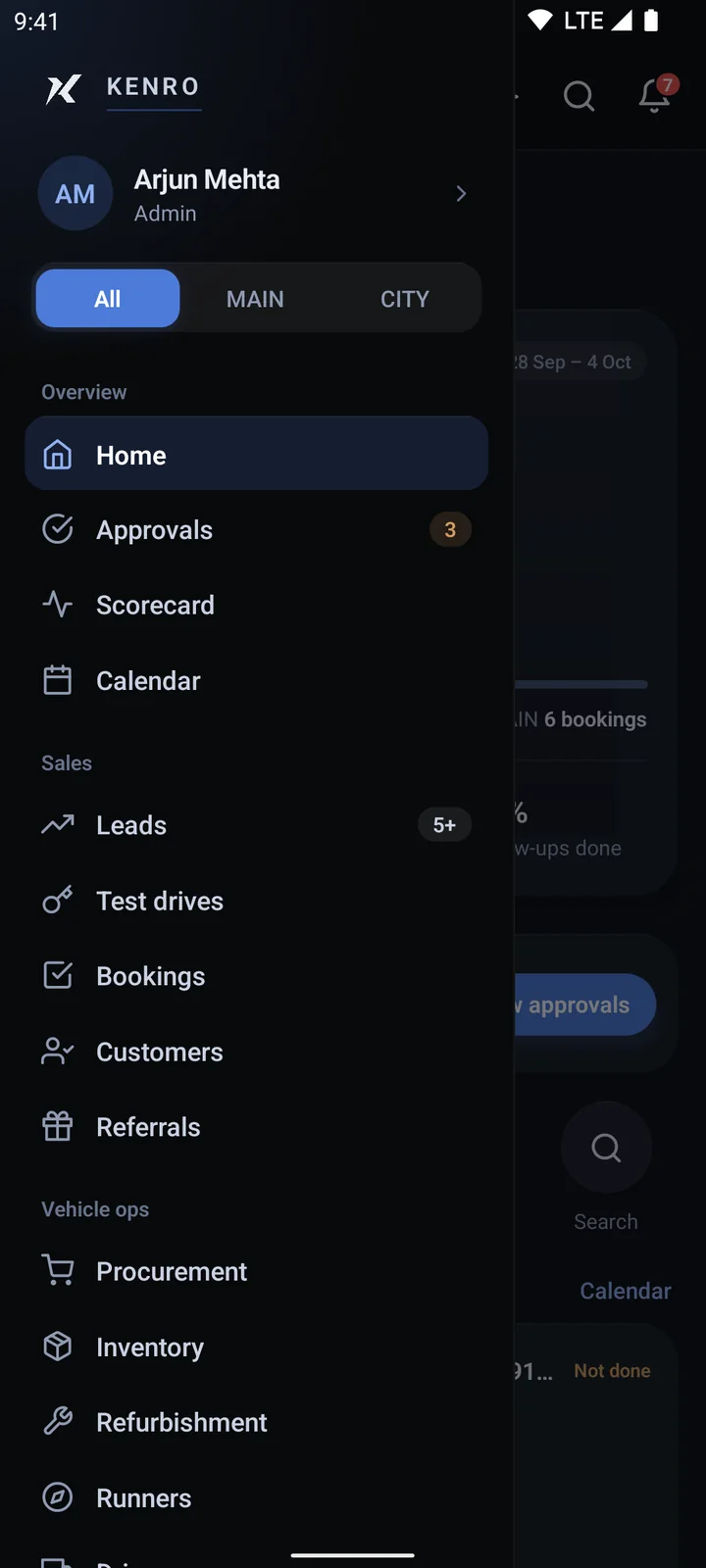
Every module, one menu
Screens show demo data. Swipe sideways to see all twelve.
The whole life of a car
Fifteen steps, and none of them live in someone's head.
Every car, from the first call about buying it to the RC in the customer's hand.

Steps 01–05 — Buying cars
Nothing is bought on somebody's word.
- 01 Procurement lead
- 02 Owner approves the buy
- 03 Purchase paperwork
- 04 Pickup
- 05 Inspection

Steps 06–08 — Getting it ready
Bought is not the same as sellable.
- 06 Refurbishment
- 07 Ready for sale
- 08 Photos & listing

Steps 09–10 — Selling cars
The enquiry belongs to one person.
- 09 Enquiry
- 10 Booking

Steps 11–13 — Money and paperwork
Three tracks run at once, and none of them is yours to remember.
- 11 Loan
- 12 Insurance
- 13 RTO

Steps 14–15 — Handing over
The case closes when the document does.
- 14 Delivery
- 15 RC in hand
What Custom adds
Everything beyond Essentials.
Refurbishment
Job cards, vendors, QC and costs.
Loans and insurance
Banks, quotes and renewals.
RTO
Cases, agents, HPA and transfer stages.
Drivers
Pickups, drops and runs, km logged.
Approvals
Purchases, bookings and edits wait for your yes.
Branches
Each branch scoped; you see them all.
Owner's scorecard
Each branch and salesperson, weekly.
Audit trail
Who changed what, and when.
Your own app
Your name and icon, your process.
Configured
Configured around how you work.
Stages, fields, roles, approvals, documents and reports, set up the way your showroom runs. The configuration has no fixed end.
Your records
Yours, and kept safe.
Access per person
Each person sees only their work.
Approved phones
A new phone waits for your yes.
Export any time
Your records as CSV files.
Your own install
A separate database, not shared.
Talk to us